
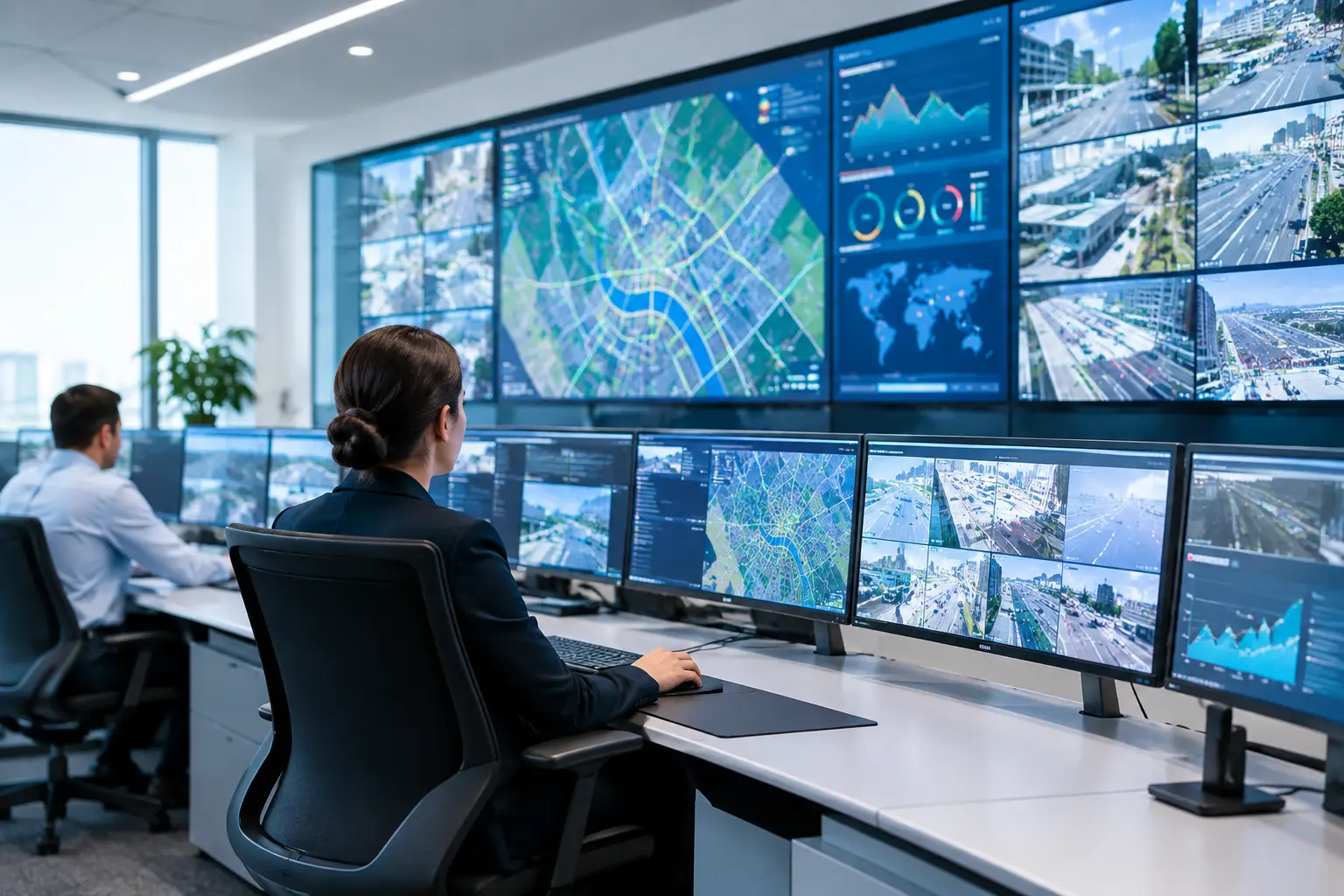
Specify Displays That Keep Control Rooms Readable
A control room display is not a decorative feature. It is the shared operational surface where operators identify incidents, follow live video, monitor building systems, and make decisions under pressure. ITC command center displays should therefore be specified around visibility, information priority, room geometry, and operational workflow before a tender reaches the procurement stage.
ITC provides both professional PA and audio systems and an LED display line, allowing consultants and integrators to consider visual communication alongside broader command-center communication requirements. Seven Sectors Trading Co. supports project teams as an authorized ITC partner, helping source the appropriate product category and commercial supply path for projects across Saudi Arabia.
Start With the Operator’s Decision, Not the Screen Size
The most common display planning mistake is beginning with a wall dimension or a preferred screen format. The better starting point is the decision an operator needs to make from the display.
A security operations center may need a shared view of incident cameras, maps, access alarms, and video management system status. A transport, utility, or industrial facility may prioritize process views, operational alarms, and field communications. A government command center may require multiple sources to be visible during routine monitoring while retaining the ability to enlarge a critical feed during an event.
These are different use cases, even when the room appears similar on a floor plan. The display solution should support the information hierarchy rather than force every source into equal-sized windows. When every item is shown at once, operators may see more content but understand less of it.
For ITC command center displays, write the operational scenarios into the specification. Define what must remain visible continuously, what can be called up when required, who controls layouts, and whether supervisors need separate viewing areas. This gives the system integrator a usable basis for coordinating display control, AV switching, video sources, and room furniture.
Match the Display Layout to Viewing Distance
A display that is clear at a desk can become difficult to read from the rear of a control room. Conversely, a large visual surface can be inefficient when operators sit close enough to work from individual workstations. Viewing distance, sightlines, room lighting, and the size of critical on-screen content must be considered together.
The key question is not simply whether people can see the display. It is whether they can read the information that matters without strain or repeated zooming. Camera tiles, alarm banners, maps, text labels, and dashboard elements all place different demands on the visual surface.
A consultant should coordinate the wall position with console locations, ceiling constraints, lighting fixtures, and potential glare from glazing. This is particularly relevant in command rooms where the display wall is visible to operators, supervisors, and visiting stakeholders from different positions. An impressive image from the center seat does not prove that the rear-row operator has a workable view.
LED display solutions can be appropriate where a continuous, large-format visual surface supports the operational brief. Other room types may be better served by distributed displays or a combination of a shared wall and workstation screens. There is no universal display format for every command center, and a specification should allow the use case to lead the decision.
Define Sources and Control Before Procurement
The display is only one part of the command-center chain. It must receive, arrange, and present content from systems that may include CCTV, access control, public address monitoring, building management platforms, incident management tools, and external information feeds.
Before selecting ITC display equipment, document the anticipated source types and how operators will use them. This includes the number of simultaneous sources, the need for preset layouts, permission levels for changing content, and the method for showing an urgent event across the room. A wall that cannot quickly shift from routine monitoring to incident response adds friction at the exact moment the room needs clarity.
This is also where the display strategy intersects with the broader security stack. A VMS platform such as ISS/SecurOS may supply live and recorded video views. HID access control events may need to be reviewed alongside camera footage. ITC PA and audio systems can form part of the wider communication approach, but visual display requirements should still be treated as a separate operational decision.
System integrators should confirm interface responsibilities early. The party supplying displays, the AV control package, the VMS environment, network equipment, servers, and operator consoles may not be the same. Clear schedules and source lists reduce gaps between trades and make tender comparisons more meaningful.
Plan for Continuity and Service Access
Command centers are expected to remain useful during long operating hours, maintenance activity, and evolving site requirements. For that reason, procurement teams should ask how the visual system will be accessed, maintained, and expanded without disrupting room operations.
Service access is a practical concern, not an afterthought. The supporting structure, cable routes, power provision, ventilation assumptions, and front or rear maintenance access should be coordinated with the room design. A display wall may be technically suitable yet create unnecessary disruption if routine service requires removing surrounding finishes or restricting the room for extended periods.
Growth should be considered with the same discipline. A project may initially monitor a limited number of cameras or operational systems, then expand as additional buildings, perimeter zones, or facilities come online. The display strategy should account for future source growth and revised room layouts without making unsupported assumptions about specific equipment capabilities.
For government and critical-infrastructure tenders, this also means documenting the supply chain clearly. Procurement teams benefit from defined product categories, authorized partner status, approved submittal information, and realistic lead-time coordination. These details protect the project schedule and help avoid late substitutions that affect the intended user experience.
Build the Specification Around Measurable Requirements
A usable specification is clear about outcomes while avoiding unnecessary restrictions that limit proper integration. It should state the intended command-center function, room layout, required content types, control expectations, and maintenance conditions.
It should also identify who is responsible for each interface. For example, the display provider may supply the visual equipment, while another specialist supplies wall mounting, a control processor, or video management configuration. This does not weaken the specification. It makes the scope more accountable.
Avoid copying generic display language into a critical facility tender. Broad descriptions such as “large display for monitoring” leave too much room for interpretation. Instead, describe the operating scenario: simultaneous incident monitoring, supervisor briefing, multi-source visualization, or shared alarm review. The chosen ITC solution can then be evaluated against the actual requirement rather than a vague aesthetic preference.
Consider the room beyond security monitoring
Many command centers serve more than one department. During normal operation, a display wall may support security monitoring. During an incident, it may become a coordination point for facilities, safety, operations, and management. In other cases, it may be used for training, briefing, or contingency communications.
This multi-use requirement affects layout control, content permissions, and display positioning. A room designed exclusively around camera grids may not work well for a briefing session, while a presentation-focused layout can be inadequate for continuous operational monitoring. The right balance depends on how the room will actually be managed after handover.
FAQ: ITC Command Center Displays
Are ITC displays only suitable for security operations centers?
No. They can be considered for control rooms supporting security, facilities, transport, industrial operations, emergency coordination, and executive briefing functions. The appropriate configuration depends on the sources, viewing positions, and operational workflow.
Should the display wall be specified with the VMS?
The display wall and VMS should be coordinated, but they are separate elements of the overall solution. The VMS determines how video is managed and presented, while the display environment determines how shared content is viewed in the room.
What should be included in a request for quotation?
Provide the room plan, viewing positions, intended application, source list, preferred control approach, project schedule, and any tender documentation. This gives the supply partner and system integrator a stronger basis for aligning the proposed equipment with the scope.
A command center works best when its visual system makes the next decision easier, not when it merely fills a wall. For ITC display requirements, project teams can email info@7sectors.com or submit a Get Quotation form with their room layout and source requirements for supply support.
Ready to discuss your project? Contact Seven Sectors or contact us directly on +966-012 229 3474.