
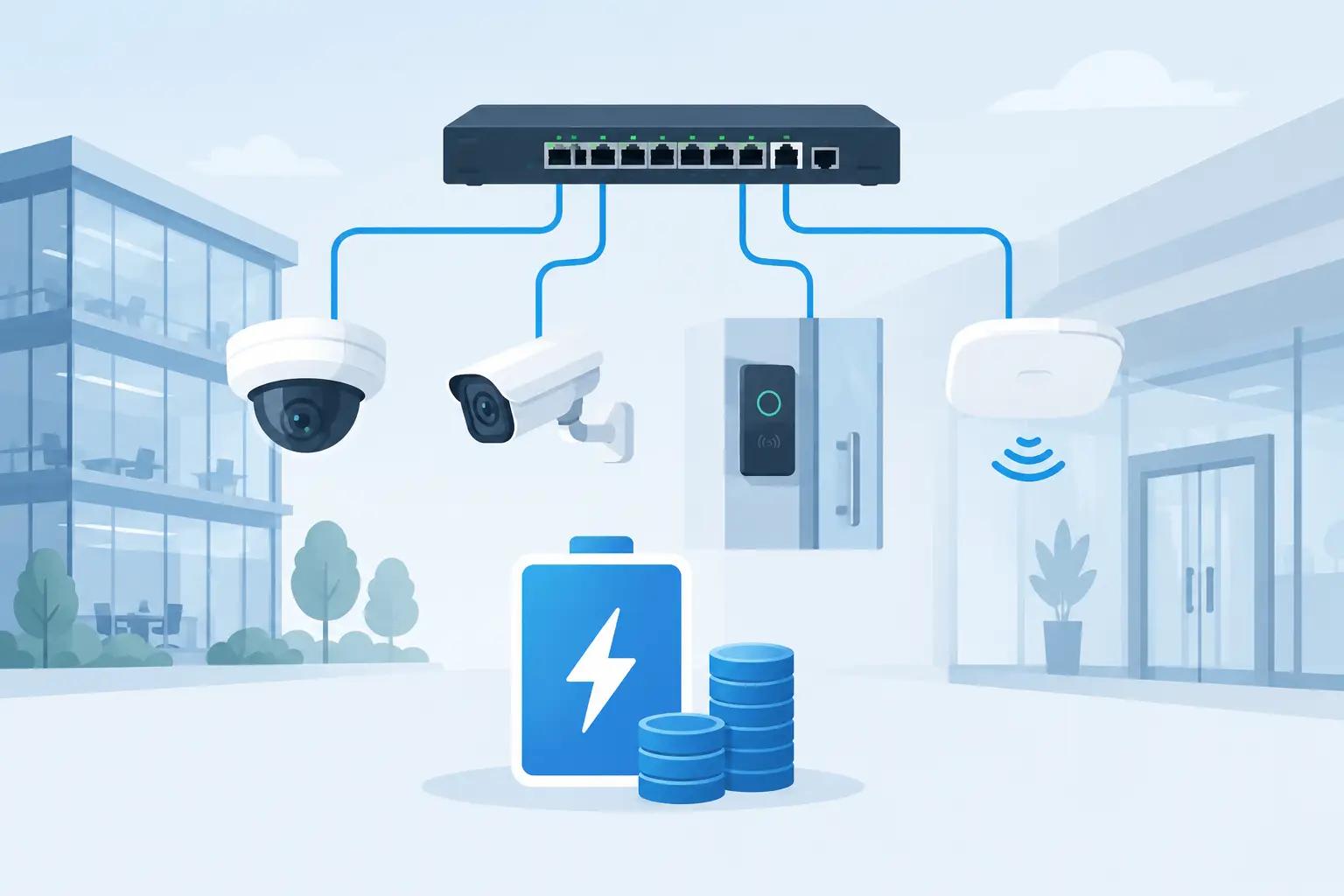
A switch can have enough ports for every endpoint on a drawing and still fail the project at power-up. Knowing how to size PoE budget prevents that expensive mismatch between port count, endpoint demand, and the power the switch can actually deliver. For Saudi commercial, government, and infrastructure projects, Seven Sectors Trading Co. supplies AETEK PoE network infrastructure to help integrators source the right equipment against a verified load schedule.
PoE budgeting is not a matter of adding up camera wattage and choosing the next switch size. The calculation must account for the maximum power demand of each powered device, the PoE class and standard required, cable losses, planned expansion, and the switch’s total available PoE capacity. The result should be a documented requirement that procurement, engineering, and installation teams can all work from.
Start With the Endpoint Load Schedule
The most reliable PoE budget begins with the endpoint schedule, not the switch catalog. List every device that will draw power from the network: surveillance cameras, access control readers or controllers where applicable, intercom endpoints, wireless access points, industrial network devices, and any other powered equipment in the scope.
For each endpoint, record the manufacturer’s maximum input power requirement, not its typical operating consumption. Typical values may look attractive during a desktop calculation, but they do not protect the system when a camera activates its heater, illuminator, motorized function, or other peak-load feature. Procurement decisions should be based on the highest documented demand for the operating mode that the project requires.
Separate endpoints by device type and location. A group of fixed indoor devices may have a predictable load, while outdoor perimeter equipment can have substantially different peak behavior. This distinction also makes it easier to assign devices across switches rather than treating an entire site as one theoretical power pool.
How to Size PoE Budget From Maximum Demand
Use a simple starting equation:
Required PoE budget = total maximum endpoint power + design margin
First, multiply the maximum power requirement of each endpoint type by its quantity. Then add the totals for every endpoint connected to the same switch or switch stack. Finally, apply a design margin before selecting equipment.
For example, if a field cabinet will serve several endpoint groups, calculate the maximum load for each group and add them together. Do not assume that one device’s low typical load offsets another device’s peak demand. The switch must support the connected load when multiple endpoints reach high-power operation at the same time.
A practical margin is not wasted capacity. It covers real project conditions: additions during handover, changes in endpoint configuration, higher-load operating states, and the fact that a design often evolves after the initial bill of quantities. The correct margin depends on the project. A fixed, tightly controlled government deployment may have a different allowance than a campus, industrial, or multi-phase site where expansion is expected.
Keep the calculation at the switch level. A project may have ample total PoE capacity across several network cabinets but still suffer an outage if one access switch is overloaded while another has unused power. Port allocation matters as much as the site-wide total.
Check Three Limits, Not Just Total Watts
A compliant PoE design has to pass three separate checks. Missing any one of them can lead to endpoints that fail to start, lose features, or disconnect under load.
Total Power Capacity
The switch’s stated PoE budget must meet or exceed the calculated requirement for all powered ports assigned to it, including the selected margin. This is the headline figure most buyers look for, but it is not sufficient by itself.
Review the documentation for the specific switch configuration being quoted. Power capability can depend on the installed power supply, redundancy arrangement, environmental configuration, or other stated operating conditions. Treat the documented available PoE budget as the procurement baseline rather than assuming every model in a family has identical capacity.
Power Available Per Port
A switch can have enough total budget while still being unable to supply sufficient power on an individual port. Compare each endpoint’s required PoE standard and maximum input demand with the switch’s per-port capability.
This is especially relevant where the same switch supports a mix of low-power readers or fixed devices and higher-power cameras, access points, or specialized field equipment. Place higher-demand endpoints on ports confirmed for that power level. Do not rely on a general total budget figure to answer a per-port question.
Delivery Loss Across the Cable Run
Power leaves the switch, travels through copper cabling, and arrives at the powered device. Cable resistance and run length affect the power available at the endpoint. Long horizontal runs, patching, poor terminations, elevated temperatures, and unsuitable cable quality can all reduce the available headroom.
The endpoint and switch documentation should be reviewed together, particularly for extended-distance field locations. If a run approaches the limits of the planned architecture, reassess the topology rather than trying to solve a distance issue with a larger central PoE budget. A local network cabinet, an appropriate extension approach, or a different power architecture may be more suitable depending on the application.
Allocate the Budget by Cabinet and Operating Scenario
A single spreadsheet total can conceal the risks that matter on site. Break the design into network cabinets, floors, zones, field enclosures, or other real distribution points. Each location needs its own endpoint count, maximum demand, spare-port plan, and PoE calculation.
Then test realistic operating scenarios. For a surveillance zone, assess what happens when all devices enter their highest expected operating state at once. For an access-controlled facility, consider whether door hardware, controllers, or associated network endpoints will be powered during normal operation, backup operation, or both. The answer depends on the system architecture and should be agreed across the security, ICT, and electrical scopes.
This step is valuable on large tenders because it exposes assumptions early. If the required PoE capacity changes the cabinet power, UPS, cooling, or rack-space requirements, the issue can be resolved before equipment is ordered. A PoE switch is part of a wider infrastructure chain, not an isolated line item.
Avoid Common PoE Budget Errors
The first error is selecting a switch by port count alone. A 24-port switch is not automatically appropriate for 24 powered endpoints. Its usable capacity depends on total PoE budget, power available per port, and the endpoint mix.
The second is using nominal or average consumption instead of maximum documented demand. This often creates a system that appears correct during commissioning but becomes unstable when device functions change or environmental conditions increase demand.
The third is leaving no meaningful headroom. A design with zero spare power may technically work on day one, yet it leaves no room for replacement devices, additional endpoints, or configuration changes. Headroom should be intentional and recorded, not accidental.
The fourth is overlooking the power source feeding the switch. The network switch, UPS arrangement, cabinet distribution, and backup-power strategy must all support the calculated load. A correctly sized PoE budget does not compensate for an undersized upstream power system.
Finally, do not substitute assumed compliance for a document review. Match the specified endpoint requirements to the exact switch documentation, including PoE standards, power budget, port behavior, and environmental suitability. This is particularly important when tender schedules combine products from multiple system packages.
Build a Procurement-Ready PoE Schedule
Before requesting a quotation, prepare a short schedule for every switch location. It should identify the switch location, number of powered ports required, device type and quantity, maximum power per device, total maximum load, proposed design margin, required PoE standard, and spare capacity.
This schedule gives consultants and procurement teams a clear audit trail. It also allows a supply partner to verify that the selected AETEK PoE infrastructure aligns with the intended endpoint load without making assumptions about the installation design. Where the endpoint data is incomplete, flag it as a design clarification rather than hiding it inside a generic allowance.
For phased work, include the day-one load and the final planned load. That distinction helps determine whether the project needs capacity reserved in the current switch, a later expansion switch, or a different cabinet strategy. The lowest initial equipment count is not always the lowest-risk commercial choice.
FAQ
Should PoE budget be calculated using average or maximum power?
Use the maximum documented power demand for the required endpoint operating mode. Average consumption is useful for monitoring, but it is not a safe basis for switch selection.
Can unused ports be treated as available power capacity?
Only if the switch has unused total PoE budget as well as unused ports. A spare port does not guarantee that enough power remains for a new endpoint.
Does a larger PoE budget solve long cable runs?
Not necessarily. The switch budget and power delivered at the endpoint are separate checks. Long-run performance depends on the full cabling and network architecture.
A clear PoE schedule turns switch selection from a port-count exercise into a defensible project decision. If you are preparing a bill of quantities or need to validate the power assumptions behind a network scope, contact Seven Sectors Trading Co. at info@7sectors.com or submit a Get Quotation form with the endpoint schedule and required switch locations.
Ready to discuss your project? Contact Seven Sectors or contact us directly on +966-012 229 3474.