
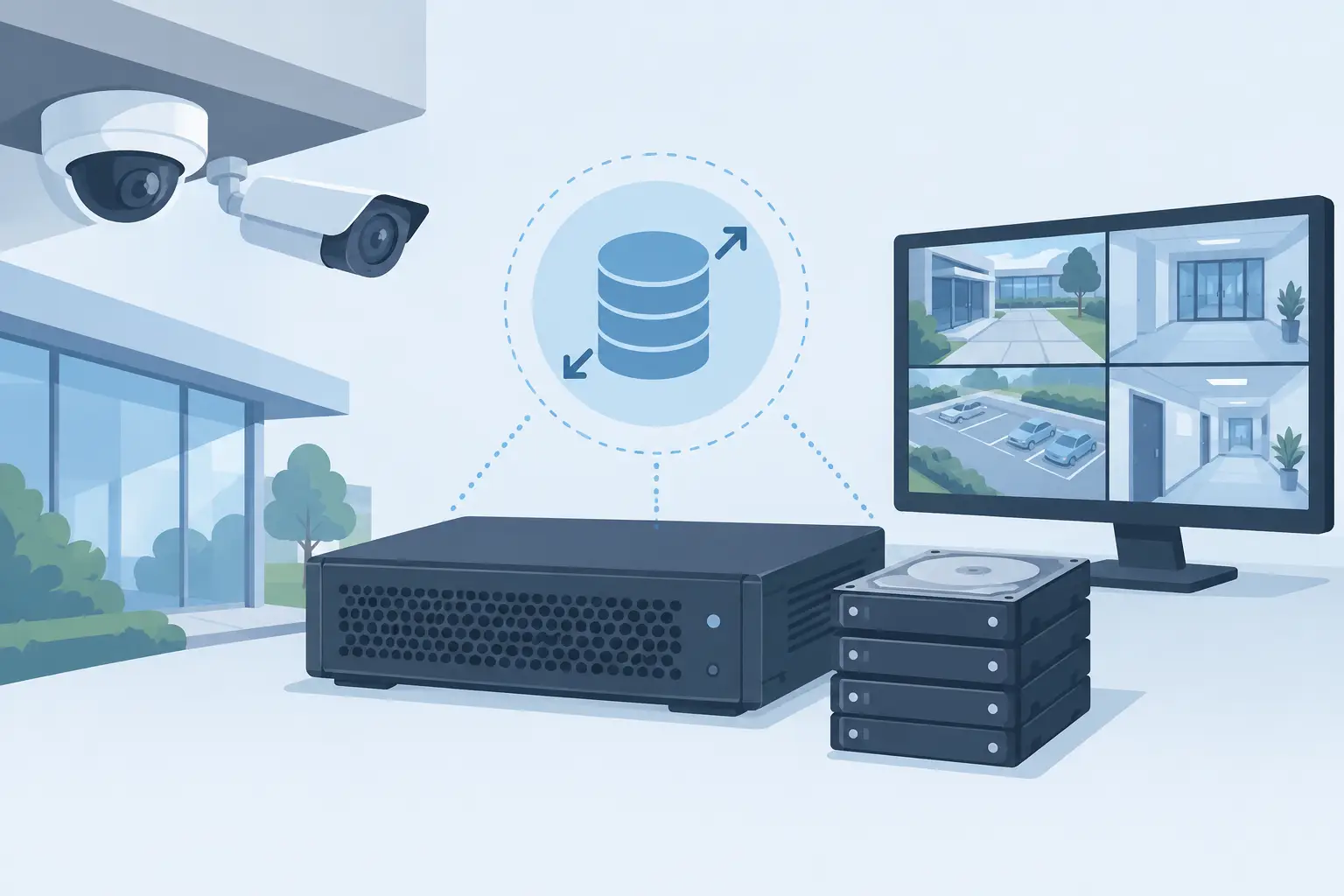
A surveillance storage shortfall rarely appears at the quotation stage. It appears weeks later, when the required retention period cannot be met, cameras are added, or recording settings rise above the original assumption. Knowing how to size Rasilient storage means turning the CCTV schedule into a defensible capacity requirement before hardware is specified. Rasilient should be evaluated as part of the overall recording architecture, alongside the VMS, camera count, recording policy, retention requirement, and resilience expectations.
For consultants, system integrators, and procurement teams, the aim is not to find the largest storage figure. It is to define usable storage that meets the tender requirement without paying for capacity that will remain idle. Seven Sectors Trading Co. supplies Rasilient surveillance storage to support this decision for commercial, government, industrial, and infrastructure projects across Saudi Arabia.
Start With the Retention Requirement
Retention is the first number to confirm because it drives nearly every other part of the calculation. A project may require a fixed number of days of recorded video, but the wording matters. Clarify whether retention applies to every camera, only selected cameras, continuous recording, or event-based recording.
A requirement for 30 days of retention is not enough on its own. The storage calculation also needs to establish whether the 30 days must be available under normal operating conditions only, or whether it must remain achievable during disk rebuild activity, a recorder failure, or a period of increased scene activity. These conditions affect usable capacity and the level of headroom that should be included.
Do not treat retention as a flexible target if it is written into a government or critical-infrastructure specification. Storage that works only when every assumption is favorable is not correctly sized for a tender.
Collect the Camera Inputs Before Calculating Capacity
Camera quantity is only the beginning. Two systems with the same camera count can require very different storage capacity because video data is determined by bitrate, recording hours, codec settings, scene complexity, and recording mode.
For each camera group, gather the expected average bitrate, whether recording is continuous or event-driven, the number of hours recorded each day, and the retention period. Group cameras with comparable behavior rather than assuming every camera generates the same amount of video. Fixed indoor cameras, perimeter cameras, busy entrances, and analytics-triggered cameras may all produce different data volumes.
The average bitrate should be based on the intended camera and VMS configuration, not a maximum figure copied from a general product sheet. Actual bitrates can increase with motion, low-light activity, detail-rich scenes, camera angle, and the selected image settings. Where the camera configuration is not final, use a conservative planning assumption and clearly identify it in the bill of quantities.
This approach makes review easier. If a consultant later changes recording mode or retention, the capacity model can be updated without rebuilding the entire calculation.
Use a Transparent Storage Calculation
The core calculation is straightforward:
Storage per day in TB = total average bitrate in Mbps × 86,400 ÷ 8 ÷ 1,000,000
Multiply the daily storage result by the required retention days. Then add the overhead needed for the selected resilience approach and operational headroom.
For example, a camera group with a combined average bitrate of 200 Mbps generates approximately 2.16 TB per day before resilience and system overhead. At 30 days, the raw requirement is approximately 64.8 TB. That is not yet the storage capacity to procure. The final requirement must account for usable capacity after disk protection, any allowance for growth, and the architecture selected for recording and archive.
Using decimal terabytes or tebibytes inconsistently is a common source of confusion. Keep one measurement convention throughout the calculation, document it, and compare it with the capacity convention used in the proposed storage configuration. A clear calculation sheet is more valuable than a single headline capacity number.
How to Size Rasilient Storage for Usable Capacity
Raw disk capacity is not usable surveillance capacity. Once fault tolerance is applied, some disk space is reserved to protect recorded video when a drive fails. The exact impact depends on the storage configuration and the resilience policy required by the project.
This is where many quotations become difficult to compare. One proposal may show the aggregate capacity of all installed drives, while another may state usable capacity after protection. Procurement teams should require the latter. Ask for the retention calculation to be based on usable capacity, not the raw total shown on the disk list.
The right resilience level depends on the operational consequence of losing recorded video, the size of the storage pool, maintenance procedures, and the project’s acceptance criteria. More protection consumes more raw capacity, but it reduces exposure during a drive failure or recovery event. Less protection may lower the initial hardware requirement, yet it can create an unacceptable risk for a sensitive site.
Rasilient storage should therefore be sized around the usable capacity needed to retain video, with the proposed protection method explicitly stated. Do not leave resilience as an implied feature in the specification.
Allow for Growth, Overhead, and Real Operating Conditions
A CCTV system is rarely static after handover. Cameras may be added to cover new entrances, tenant areas, perimeter changes, or operational blind spots. Bitrates can also change when image quality requirements are revised. Capacity planning needs controlled headroom for these normal project changes.
Headroom should not be an arbitrary percentage copied between projects. It should reflect the likelihood of camera expansion, the certainty of current bitrate estimates, the expected period before the next capacity review, and the consequences of failing to meet retention. A stable system with finalized camera settings may need less allowance than a phased development where later camera packages are expected.
Also distinguish storage capacity from recording performance. A platform can have sufficient usable disk capacity but still be unsuitable if it cannot support the required concurrent camera ingest, client playback demand, or VMS workload. The storage discussion must include both how much video will be kept and how the system will handle the expected recording and retrieval activity.
Check the VMS and Recording Policy
Storage does not work in isolation. The VMS determines how cameras are recorded, indexed, searched, and retrieved. Before selecting the final Rasilient configuration, verify VMS compatibility, recording behavior, camera licensing assumptions, and whether the architecture separates live recording from longer-term retention.
Continuous recording provides a predictable basis for calculating capacity, but it generally consumes more storage. Event-based recording can reduce stored data, although the estimate becomes more dependent on real scene activity and analytics settings. A mixed policy is common: continuous recording for high-risk areas and event-based recording for lower-priority coverage.
Do not use event-based recording as a shortcut to reduce the tender capacity unless the recording policy is approved and testable. A busy scene may generate far more event footage than expected. Conversely, designing every camera for continuous recording may add unnecessary cost where the operational requirement is clearly event-driven.
Prepare a Capacity Schedule That Can Be Reviewed
For a quotation or technical submittal, present the storage model in a format that others can audit. The schedule should identify camera groups, quantities, average bitrate assumptions, recording mode, daily recording hours, retention days, raw capacity, protection overhead, usable capacity, and growth allowance.
It should also state what is excluded. If cameras, VMS servers, client workstations, or network infrastructure are outside the storage supply scope, identify that cleanly. This prevents a storage proposal from being interpreted as a complete surveillance system design.
Where a tender specification is incomplete, provide assumptions as assumptions. That protects the procurement process and gives the consultant a direct list of decisions to confirm. It is better to revise a transparent calculation than to discover an unspoken assumption after the system is ordered.
FAQ
Should every camera use the same bitrate assumption?
No. Group cameras by expected scene behavior and recording settings. A single blanket bitrate can overstate or understate capacity, especially on sites with a mix of indoor, perimeter, entrance, and traffic-facing views.
Is raw disk capacity enough for a tender comparison?
No. Compare usable capacity after the selected protection method, then verify that this usable figure supports the stated retention period and growth allowance.
When should storage sizing be updated?
Update it whenever camera quantities, recording policies, retention requirements, VMS architecture, or expected bitrates change. These are capacity inputs, not minor post-award details.
A sound storage decision starts with documented assumptions, not a headline disk number. Send your camera schedule, retention requirement, and recording policy to info@7sectors.com or submit a Get Quotation form, and our team can help source a Rasilient storage configuration aligned with your project requirement.
Ready to discuss your project? Contact Seven Sectors or contact us directly on +966-012 229 3474.