
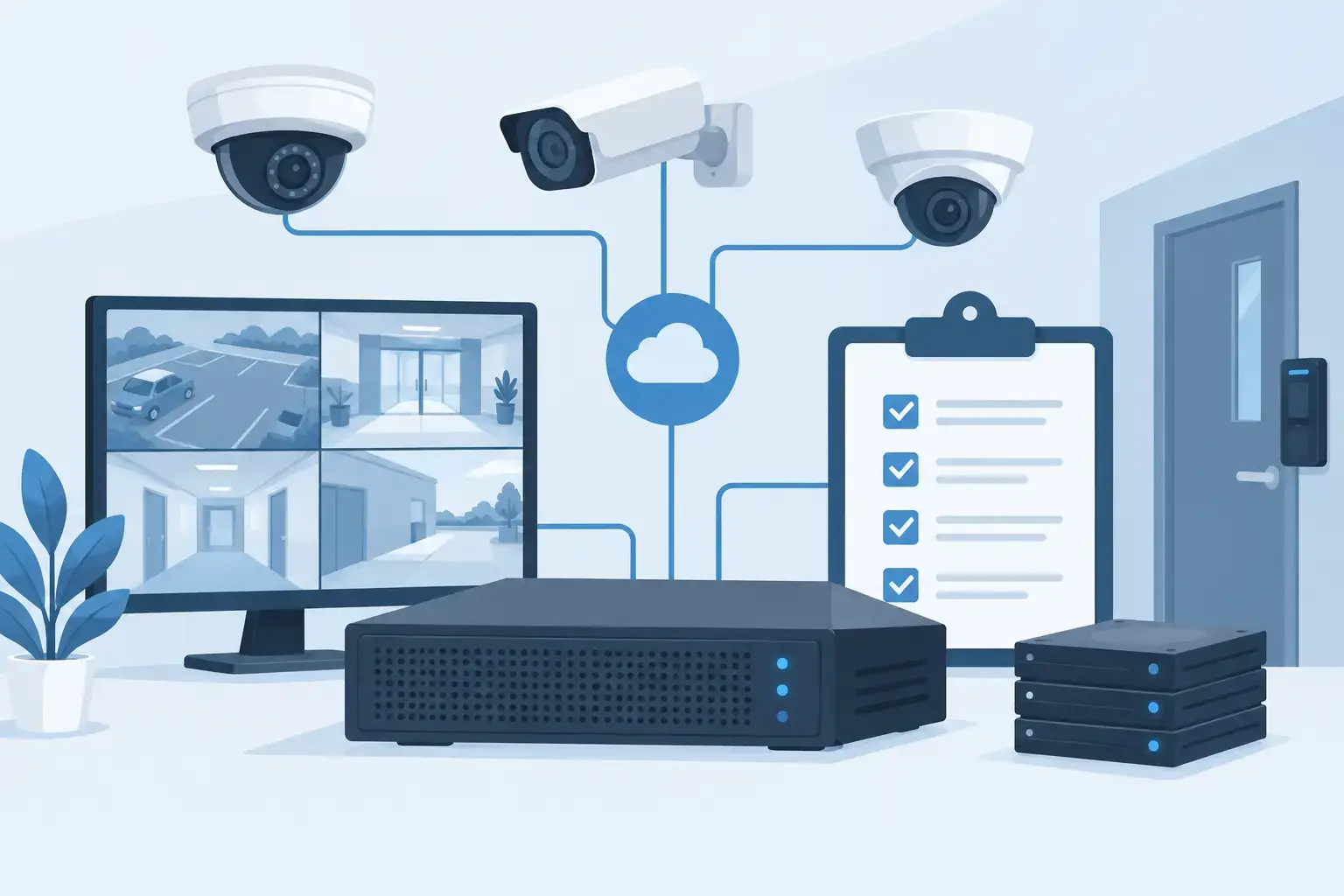
A surveillance server that looks adequate on a bill of quantities can become the point of failure once cameras begin recording at full load. This surveillance server selection checklist helps consultants, system integrators, and procurement teams validate the recording platform before it reaches tender, purchase order, or site deployment. Seven Sectors Trading Co. supplies surveillance server and storage options from Rasilient, FIBRENETIX, and Dell for commercial, industrial, and government security projects across Saudi Arabia.
The key decision is not simply how many cameras the server can connect to. A recording platform must sustain incoming video, retain evidence for the required period, recover after a component fault, and remain manageable when the system expands. Each requirement affects the others.
Surveillance Server Selection Checklist: Define the Real Workload
Start with the camera schedule, but do not stop at the camera count. A server handling 100 low-activity streams has a very different workload from one handling 100 continuously recording streams with intensive video analytics, frequent operator playback, and long retention requirements.
Confirm the intended recording method first. Continuous recording creates a predictable and sustained storage load. Motion or event recording can reduce retained data, but its actual benefit depends on scene activity and how analytics rules are configured. For perimeter, transport, industrial, and high-security applications, the client or consultant may require continuous recording for defined cameras regardless of motion activity.
Then document the operating assumptions that the VMS and storage platform must support: camera resolution, frame rate, compression method, recording schedule, expected scene activity, and the number of concurrent live-view and playback users. These are project inputs, not generic server specifications. They should be confirmed against the approved camera schedule and operational requirement.
Do not size only for day-one cameras if phased expansion is identified in the project. Allowing for expansion can be more cost-effective than replacing a recording server or rebuilding storage architecture later. On the other hand, reserving excessive capacity can tie up budget and rack space unnecessarily. The right allowance depends on the likelihood, timing, and scale of future phases.
Calculate Retention From Evidence Requirements
Retention is usually the largest driver of usable storage capacity. The correct question is not, “How many drives fit in the server?” It is, “How much recorded video must remain accessible under normal operating conditions?”
Procurement documents may state a retention period, but the requirement should be read carefully. Is the period required for every camera? Does it apply to continuous and event-recorded video alike? Are there protected cameras that need a longer retention period? Must the system preserve recordings during a network interruption at an edge location?
A practical calculation uses the expected recording bitrate for each camera or camera group, multiplied by the required recording hours and retention days. Add an allowance for operating overhead, storage protection, and reasonable changes in camera scene complexity. Avoid using a nominal bitrate without validating it against the selected camera configuration. Bitrate may change materially when a camera views busy entrances, vehicle lanes, crowds, foliage, or low-light scenes.
Storage protection also reduces the capacity available for recordings. Redundancy is necessary for resilience, but it is not free capacity. The server and storage design must account for the selected protection method before the usable retention period is presented to the consultant or end user.
Separate Recording Performance From Storage Capacity
Large raw capacity does not automatically mean dependable recording performance. The platform must accept video from the network, write it to storage continuously, serve playback requests, and support VMS services without creating a bottleneck.
Consider incoming recording throughput and outgoing playback throughput separately. An operator control room may require multiple users to search incidents, export evidence, and monitor live cameras while recording continues. If the design considers only recording traffic, operators can experience slow playback precisely when an incident requires fast review.
The VMS architecture matters here. A centralized recording server may suit a contained facility with a single equipment room. A distributed architecture can be appropriate where sites are geographically separated, WAN bandwidth is limited, or individual locations need to keep recording during a link outage. Neither model is automatically better. The decision should follow the site topology, operational risk, and support model.
ISS/SecurOS can be considered where the project requires a VMS platform with recording, investigation, and operational management functions. Confirm the server roles required by the selected VMS architecture before finalizing hardware quantities. Recording services, management services, client access, analytics, and failover functions may not all belong on the same machine in a larger deployment.
Build Resilience Around the Actual Risk
A server can have redundant components and still leave the surveillance system exposed if the failure scenario has not been defined. Identify what must happen when a drive fails, a server becomes unavailable, a network path is interrupted, or a site loses power.
For projects with high evidence value, plan for more than a single hardware fault. Ask whether recording must continue during a server outage and whether a secondary recording resource is required. Also confirm how failed hardware will be identified, how replacement will be handled, and whether the VMS can return to normal recording operation without gaps or manual rebuilding.
Power protection deserves the same attention. A controlled shutdown is preferable to file-system damage or unpredictable service failure. Equipment room conditions, rack space, cable management, and cooling should also be reviewed. High-density surveillance storage can place sustained demand on the server environment, not just on the hardware itself.
Check Network Interfaces and Security Boundaries
The recording server sits between camera networks, the VMS, operator clients, storage resources, and sometimes enterprise systems. Interface selection must align with the expected traffic flows and network segmentation plan.
Coordinate server connectivity with the network team early. AETEK network infrastructure may support the PoE and aggregation side of a surveillance deployment, while the recording platform must have sufficient and correctly planned connectivity to receive video and deliver client access. This is not a reason to oversize every interface. It is a reason to prevent an uplink or segmentation decision from limiting a correctly sized server.
Security controls also need practical definition. Establish who can administer the operating system, VMS, storage, and user accounts. Define the process for software updates, password control, audit requirements, and evidence exports. Government and critical-infrastructure tenders may impose additional documentation or approval requirements, so these should be identified before hardware is released for procurement.
Verify Supportability Before Selecting the Platform
A technically suitable server still needs to be supportable throughout the project lifecycle. Confirm compatibility between the chosen VMS version, server operating environment, storage configuration, and any required integrations. Keep the approved hardware and software matrix with the submittal package rather than relying on assumptions made during estimation.
The procurement team should also verify what is included in the equipment scope: server hardware, storage, drive configuration, operating system requirements, VMS licenses, client access, and any redundancy components. Splitting these items across multiple scopes can create gaps that appear only during commissioning.
For Saudi projects, particularly those with formal consultant review and government procurement procedures, a clear compliance pack and consistent equipment schedule reduce avoidable clarification cycles. A specialized trade partner can help source the approved server and storage components while the appointed system integrator remains responsible for design, installation, configuration, and commissioning.
Questions to Resolve Before Issuing a Purchase Order
Before the server is approved, the project team should be able to answer these questions clearly:
- What camera load, recording profile, and retention period is the platform sized to support?
- What usable storage remains after the chosen protection method is applied?
- How many live-view, playback, search, and export users can operate during normal recording?
- What happens if a drive, server, network path, or power source fails?
- Which VMS services and licenses are included in the final scope?
- Is the architecture designed for known future phases, or only for the current camera schedule?
If any answer is based on an estimate rather than an approved project input, identify that assumption in the submittal. Transparency is better than discovering a retention shortfall after handover.
The best server choice is the one that makes recording behavior, retention, recovery, and future expansion predictable. For assistance sourcing surveillance server and storage hardware for a specified project, email info@7sectors.com or submit a Get Quotation request with the camera schedule, retention requirement, VMS preference, and required resilience level.
Ready to discuss your project? Contact Seven Sectors or contact us directly on +966-012 229 3474.