
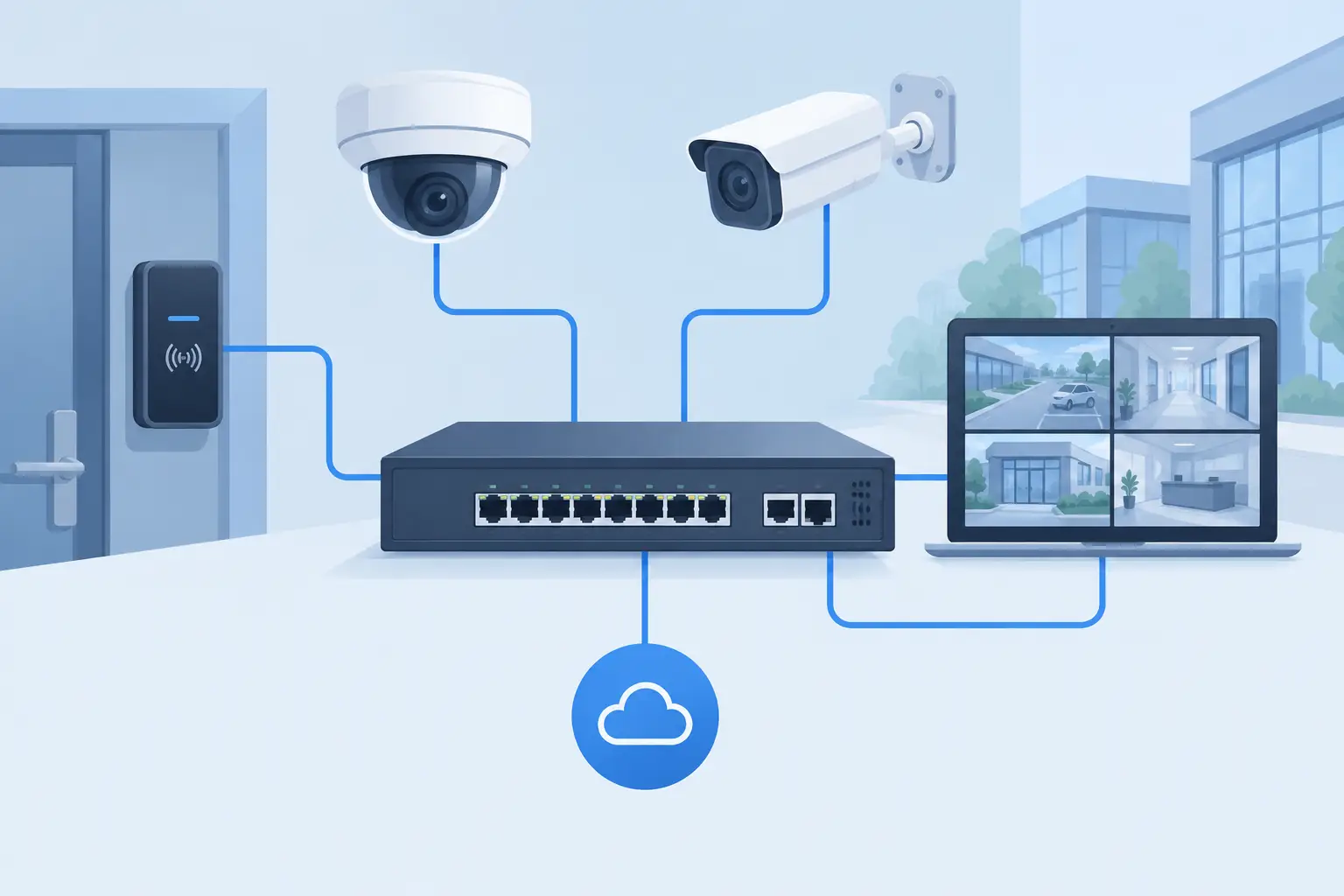
A security network can appear straightforward on a floor plan, then become difficult once cameras, access points, intercoms, and field cabinets require power and connectivity from the same infrastructure. Selecting an AETEK PoE switch starts with the site load, network topology, and operating conditions, not with a port count alone. AETEK provides PoE switching and network infrastructure for projects where integrators and consultants need a defined, supportable path from edge devices to the core network.
For commercial, industrial, and public-sector work, the switch is an infrastructure decision. If it is undersized, the consequences can include unstable endpoints, congested uplinks, difficult fault isolation, or expensive rework after installation. The right selection gives the installation team clear power capacity, appropriate network control, and a practical physical fit for the cabinet or field location.
Start with the powered-device load
The first question is not, “How many ports are needed?” It is, “What must the switch power, and under which operating condition?” Every powered endpoint draws from the switch’s available PoE budget. That can include IP cameras, wireless access points, intercom stations, access-control hardware, and other approved network devices.
A port may provide network connectivity while the overall switch power budget limits how many endpoints can operate at their required demand. For that reason, project teams should total the expected maximum power requirement of each powered device, then retain a sensible allowance for startup behavior, future additions, and changes to the device mix. A switch that is adequate for an initial device schedule may be restrictive when a later phase adds equipment or replaces endpoints with higher-demand models.
The endpoint type matters as much as the quantity. A group of low-demand devices creates a different requirement than a smaller set of devices with higher power needs. Consultants should also distinguish between a switch serving one predictable device class and one serving mixed systems. Mixed loads require more disciplined documentation because power demand may vary by port and by operating mode.
Do not treat unused ports as proof of capacity. A 24-port switch with only 16 devices connected may still be close to its usable power limit. The bill of materials should record both the port occupancy and the calculated PoE load.
Choose port count around the cabinet, not only the drawing
Port density should reflect the actual physical deployment. A compact network cabinet may serve a single zone, while a larger telecommunications room may aggregate multiple floors or security areas. In either case, count active endpoints, reserve capacity for approved expansion, and account for uplink ports separately from device-facing ports.
Leaving no room for growth can reduce the initial purchase line, but it often creates a disproportionate cost later. Adding a second switch may require cabinet changes, additional power provision, extra patching, configuration time, and new documentation. Conversely, specifying excessive spare capacity everywhere can waste rack space and capital. The appropriate allowance depends on whether the project has defined future phases, tenant fit-out uncertainty, or a fixed endpoint schedule.
AETEK PoE switch selection should also consider how cabinets are divided across the project. A few high-density switches can simplify aggregation, but distributed smaller switches may shorten copper runs and suit building zones or outdoor enclosures more effectively. There is no universal answer. The cable pathway, room availability, maintenance access, and resilience requirement should determine the approach.
Protect uplink capacity before video traffic exposes the gap
PoE delivers power and data, but the network must still carry the traffic generated by every connected endpoint. This is especially relevant where many surveillance devices report through one edge switch toward a recording or management environment. The uplink is the path that determines whether the switch can forward that combined traffic without becoming a bottleneck.
Review the expected traffic profile with the network and security teams. A switch supporting a small number of endpoints on a local cabinet may have modest uplink needs. A switch aggregating many streams or serving multiple security subsystems requires more careful uplink planning. The design should also identify whether one uplink is acceptable or whether the project requires an alternate path for continuity.
This is where switch management features become operational rather than optional. A managed environment can help the project team segment traffic, control access, observe port status, and identify faults more efficiently. It can also support a clearer handover process when the network is maintained by a different party from the security system.
An unmanaged switch may be suitable for a simple, isolated scope with a defined device count and limited operational requirements. It is not automatically the lower-risk option. When a site has multiple systems, formal IT policies, remote troubleshooting needs, or expansion plans, the reduced visibility can become a limitation. The specification should match the management level to the responsibility model after handover.
Match the switch enclosure to the actual environment
Indoor telecommunications rooms and field cabinets do not present the same conditions. Before selecting hardware, confirm where the switch will be installed, how it will be mounted, how it will be powered, and who will access it for maintenance.
For a controlled rack room, cabinet dimensions, ventilation, power arrangement, and patching layout may be the main concerns. For a field location, the conversation expands to enclosure protection, temperature exposure, dust, vibration, space limitations, and cable entry. These conditions should be assessed by the project design and installation teams before procurement, rather than assumed from a general product category.
Power resilience also needs a clear owner. If continuity during a utility interruption is required, the wider power arrangement must support it. A PoE switch cannot create backup power on its own. Confirm the relationship between the switch supply, the rack power system, any backup provision, and the criticality of the endpoints connected to it.
What to include in the procurement schedule
A clear switch schedule prevents late technical questions and reduces the risk of receiving a product that is functional but unsuitable for the intended installation. For each switch line item, document these distinct requirements:
- Required device-facing port quantity and any spare-port allowance
- Calculated PoE load, including the design margin agreed by the project team
- Uplink type, quantity, and intended connection point
- Managed or unmanaged operating requirement
- Mounting location, enclosure context, and power arrangement
- Required accessories, patching approach, and any approved network standards
The schedule should be reviewed against the endpoint list, rack elevations, network diagram, and electrical coordination information. These documents are often managed by different disciplines, which is why conflicts can survive until installation if nobody checks them together.
For tender and submittal work, avoid vague descriptions such as “PoE switch as required.” They make equivalency review difficult and leave important decisions until too late. A better description identifies the intended application and the non-negotiable selection criteria without assigning performance claims that have not been verified against the proposed model documentation.
How an AETEK PoE Switch Fits a Project Supply Plan
AETEK switching can be specified as part of the network infrastructure supporting security and data systems, provided the model is matched to the approved design requirements. The practical benefit for a procurement team is having a defined product path for edge connectivity and PoE delivery while retaining the ability to evaluate port capacity, power requirements, uplink strategy, and installation conditions on a project-by-project basis.
Seven Sectors Trading Co. is an authorized AETEK partner supporting supply requirements for system integrators, consultants, MEP contractors, and procurement teams across Saudi Arabia. The role is to help source the appropriate AETEK network infrastructure against the project schedule and approved technical requirements. Installation, design, and commissioning remain with the appointed project parties.
FAQ
Should every security cabinet use a managed PoE switch?
Not necessarily. A simple cabinet with limited endpoints and no operational requirement for network control may suit an unmanaged approach. Managed switching is more appropriate when segmentation, monitoring, fault tracing, or formal IT integration is required.
Is port count enough to select a PoE switch?
No. The selection must also account for the total PoE power requirement, uplink capacity, management needs, mounting environment, and future expansion plan.
Can one switch support different endpoint types?
It can, provided the overall PoE demand, network behavior, and project requirements are checked as a combined load. Mixed-device cabinets require careful documentation rather than assumptions based on a single endpoint type.
Before issuing a purchase request, bring the device schedule, network diagram, and cabinet details into the same review. For AETEK PoE switch sourcing against an approved project requirement, contact Seven Sectors at info@7sectors.com or submit a Get Quotation form with the relevant schedule and technical documents.
Ready to discuss your project? Contact Seven Sectors or contact us directly on +966-012 229 3474.